
Build window integration
Works from the Unity Build window, so the workflow stays familiar instead of introducing a separate tool surface.
Background Build
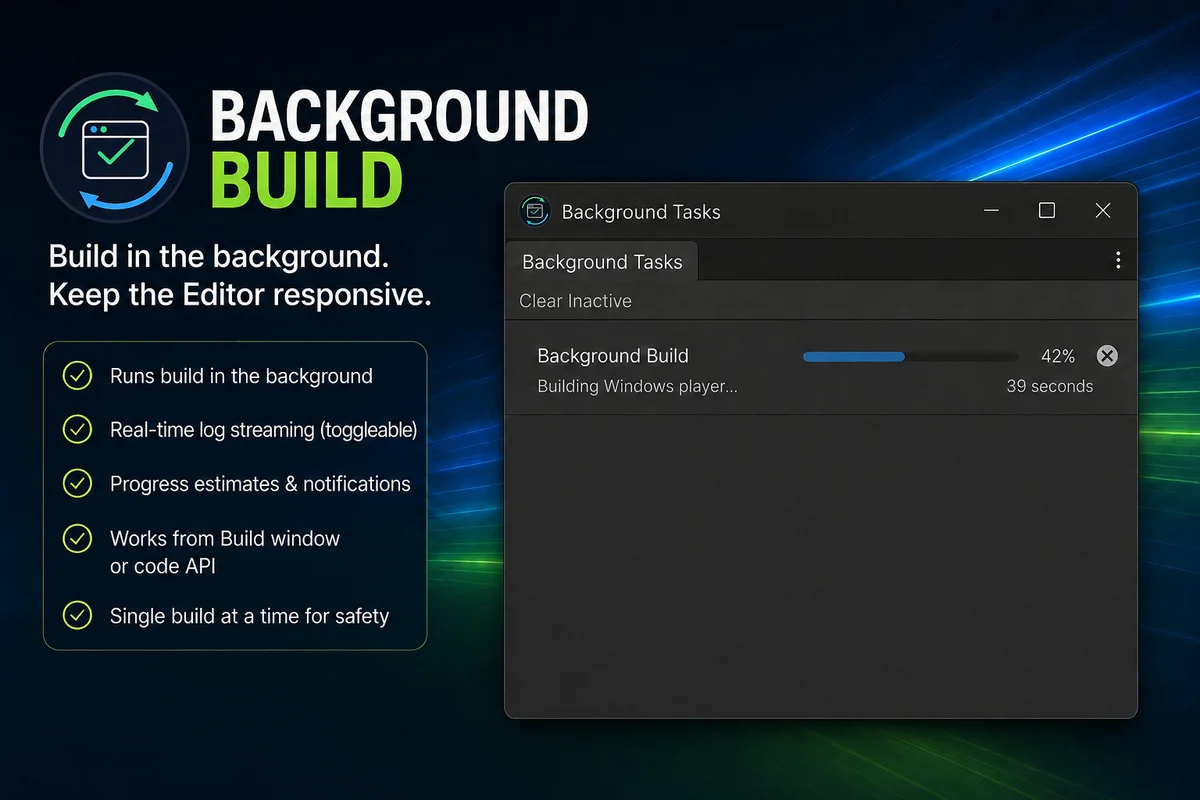
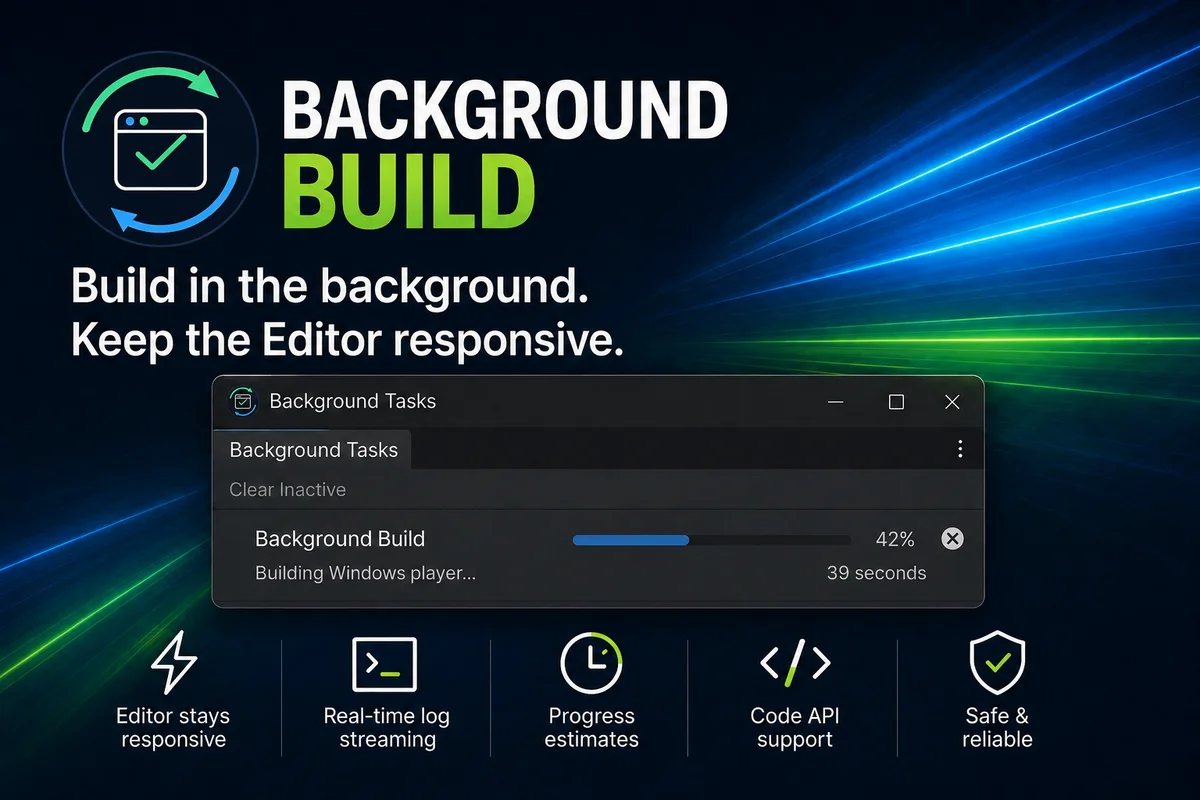
Background Build launches builds in a separate Unity process, keeping the main Editor responsive while the build runs. The value is immediate: start a build, keep editing, and come back when output, logs, and errors are ready.
Product Media
Why It Matters
In a standard setup, starting a build can lock up the editor until the process finishes. Background Build shifts the build into a separate Unity process so your main editor session can stay usable.
Normal Build Flow
Background Build Flow
Feature Set
Works from the Unity Build window, so the workflow stays familiar instead of introducing a separate tool surface.
Designed to be easy to substitute for existing `BuildPipeline.BuildPlayer` usage through your own build wrapper or service layer.
Integrated progress UI includes estimated completion time using previous build duration as a reference.
Optional live console log streaming is available during the build, and errors surface clearly when the build completes.
Build completion includes clickable links to the output folder and the build log for faster handoff and debugging.
Builds can be cancelled, and only one background build per target or platform runs at a time.
Workflow
API Example
The source material states that the code API is designed to be easy to substitute for `BuildPipeline.BuildPlayer`. The example here stays conceptual on purpose, so it shows the integration pattern without inventing unsupported API names.
// Existing foreground build path
var report = BuildPipeline.BuildPlayer(buildPlayerOptions);

// Conceptual approach with Background Build:
// keep build calls behind your own build service so the
// implementation can be swapped from foreground to background.
IBuildRunner runner = GetBuildRunner();
var report = runner.Build(buildPlayerOptions);
Supported Targets
FAQ
Player builds are supported directly. AssetBundle builds are supported, and Addressables builds are supported when the Addressables package is installed.
No. The point is to fit into normal Unity workflows, including the Build window, while moving the build execution into a separate Unity process.
Not for the same target or platform at the same time. One background build per target or platform is allowed at once.
Yes. Builds can be cancelled.
Errors are surfaced when the build completes, alongside links to the output folder and the build log.
Final Step
Background Build is about getting build time out of the way so iteration stays moving.