
Unity-native workflow
The tools are built to feel like an extension of the editor you are already using, not a separate platform.
Smooth Tools
Small, focused tools designed to remove friction from everyday Unity development. Clear workflows, practical utility, and no extra ceremony.
Scene editing, prefab work, and iteration continue while the build runs.
Completed builds surface errors, logs, and output links when finished.
Featured Product
Background Build runs builds in a separate Unity process so the main Editor does not lock up while a player build, AssetBundle build, or Addressables build is in progress.
Normal Unity
Background Build
Also Available
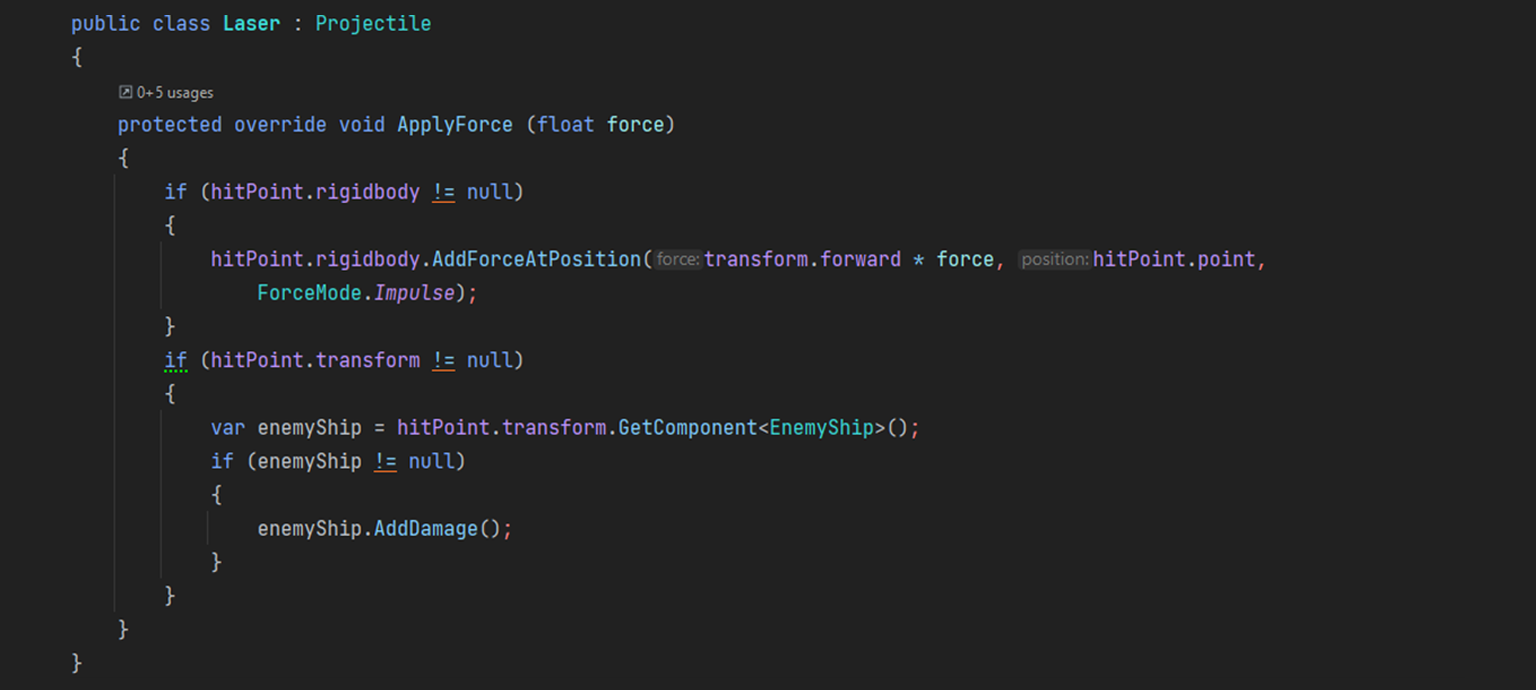
Smooth Operator makes the null conditional operator and null coalescing operator usable with Unity objects, where Unity’s custom null behavior normally gets in the way.
How Smooth Tools Works
Smooth Tools does not try to replace your pipeline. The products are aimed at a narrower goal: remove a frustrating limitation, fit into existing Unity workflows, and stay easy to adopt.
The tools are built to feel like an extension of the editor you are already using, not a separate platform.
Each product exists to solve a concrete engine or workflow issue, with technical behavior explained clearly.
Small surface area, focused feature sets, and straightforward integration make the tools easier to keep around.
Primary
Run Unity builds in the background, keep the editor responsive, and review logs, errors, and output when the build completes.
View detailsUse `?.` and `??` safely with Unity objects, with technical detail around Unity’s custom null semantics and destroyed objects.
View detailsSimple support expectations, what to include in a request, and product-specific context that speeds up debugging.
View details